Error code -1 is caused by an interruption in communication with the server during installation.
This can generally be caused by several factors; please try to rule them all out:
- Non-functional Internet Explorer browser. The Statistica software registers exclusively through the Internet Explorer browser, so you must have this type of browser working (Opera or Firefox, unfortunately, are not sufficient); therefore, verify that Explorer is functional by loading this link http://bit.ly/statistica_registrace in the Internet Explorer browser.
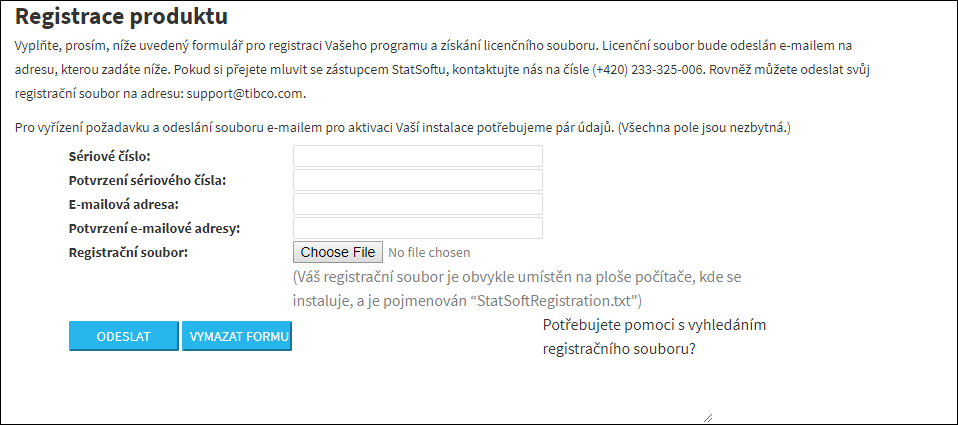
- Firewall. Temporarily turn off the Windows Firewall.
- Antivirus program. Temporarily disable your antivirus (Avast, Nod32, AVG, etc.) or any other web shield, if you use one, for the time needed for installation.
- Check your account in Windows; you should have administrator rights. During installation, the Statistica software needs to write to the registry, and for that the software must be installed under administrator rights. If the account does not have administrator rights, try assigning these rights to it, or use a different account.
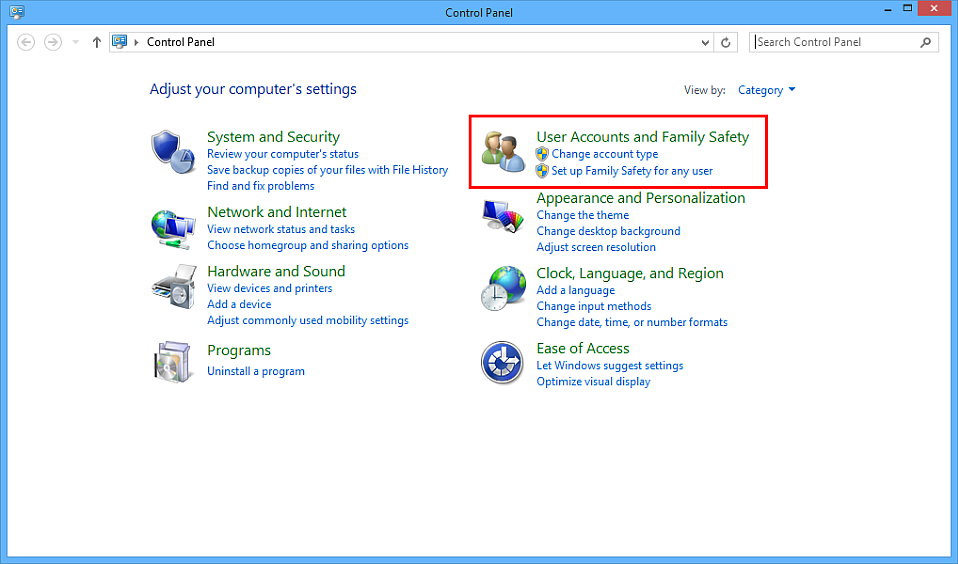
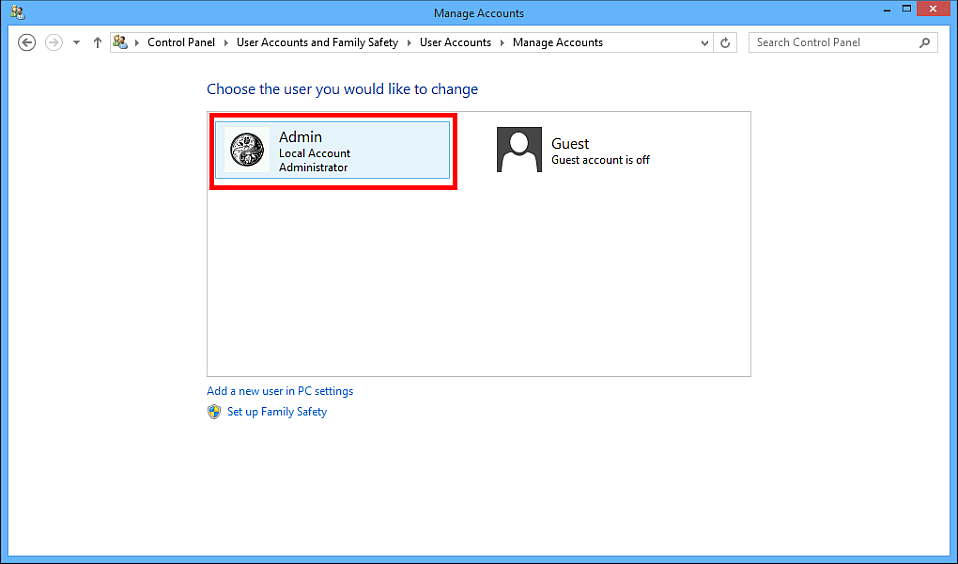
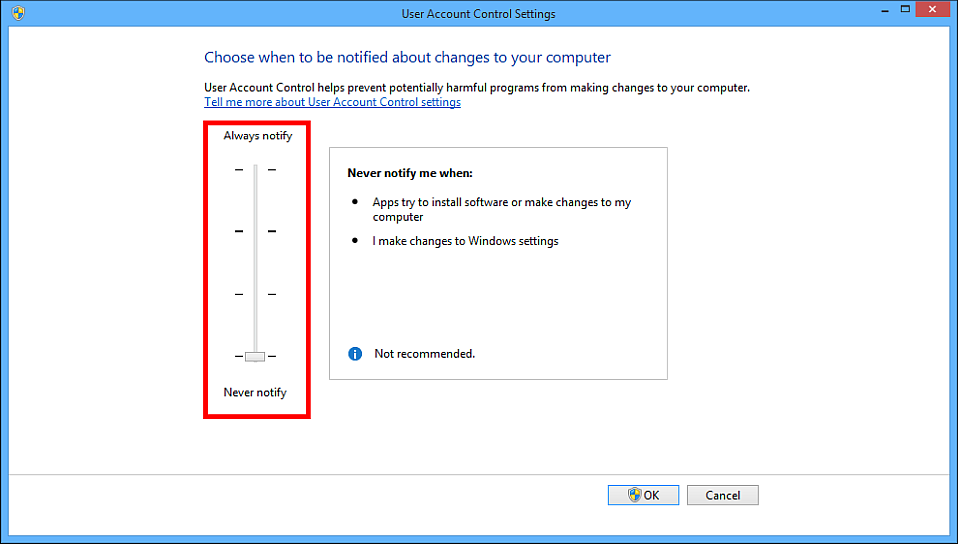
- In the case of Windows VISTA, Windows 7, or Windows 8, turn off Řízení uživatelských účtů / Kontrola uživatelských účtů / User Account Control.
- Proxy server. If you install the software, e.g., on a corporate network, it is possible that a proxy server is blocking the connection; in that case it will be necessary, in cooperation with the IT department, to create an exception for the duration of the connection to StatSoft's registration server during installation. Information for IT is here:
The registration service is at http://bit.ly/statistica_registrace with IP 99.157.40.12; furthermore, it is important to allow port 443. Registration uses standard web protocols that web browsers use. After verifying these steps, repeat the installation. If the same problems occur, direct the installation outside the default location.